
Exhibitor guide
Exhibition Power and Internet: What to Plan Before You Order
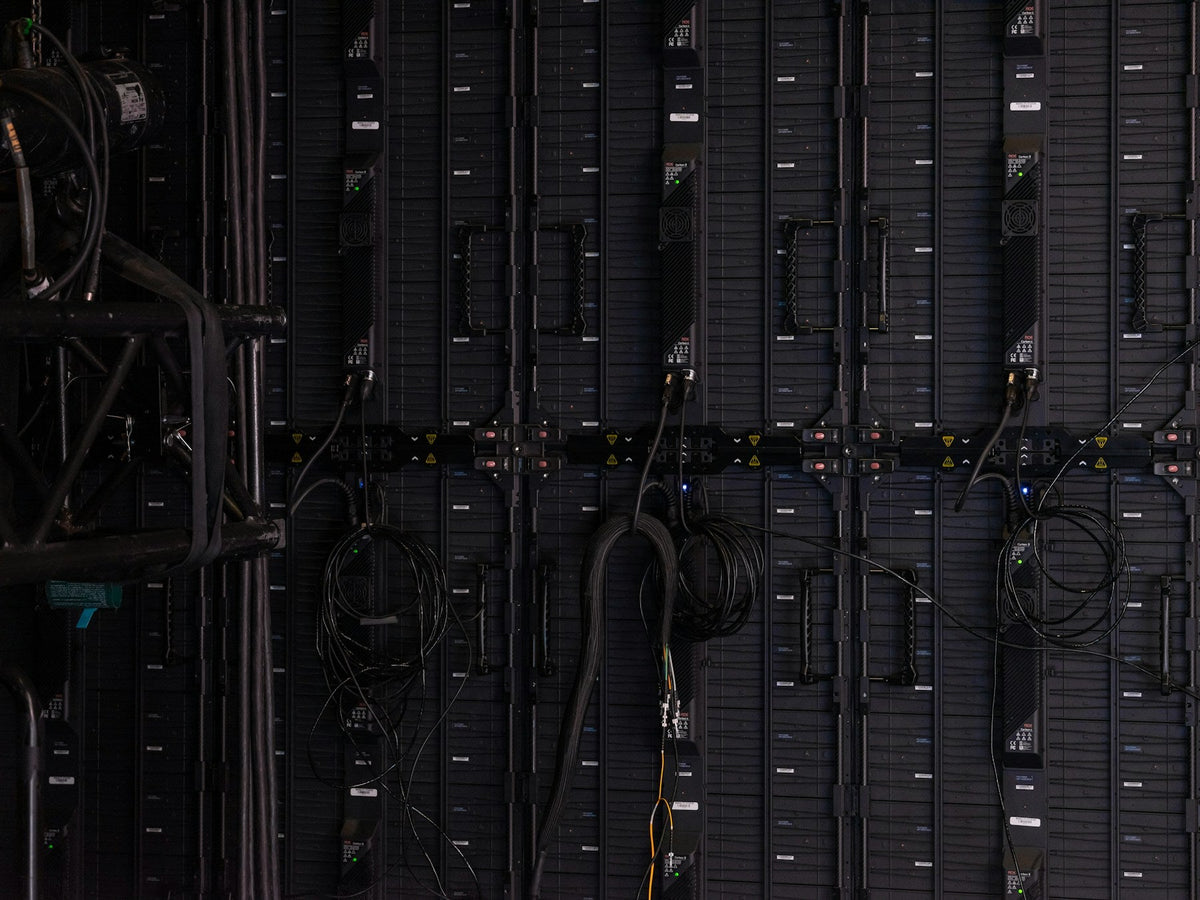
The lightbox is ready. The screen content looks good. Then someone asks where the power point is, or whether the demonstration works without Wi-Fi. Power and connectivity are easy to overlook because they are less visible than the booth itself. Give them a place in the plan before furniture and artwork lock the layout in.
List the equipment that actually needs a connection
Write down each powered item, including screens, lightboxes, laptops, chargers and demonstration equipment. Record the manufacturer's requirements and send the list to the event's electrical contractor or venue team. Ask them to confirm the appropriate supply and installation. Avoid treating a power board as a way to decide how much equipment a connection can support; that assessment belongs with the qualified provider.
Show the connection points on the layout
Mark where each item will sit and where the supply needs to arrive. A point at the back of the stand may be inconvenient if your main demo is at the front. Plan cable routes with the stand supplier and approved contractor so they can be managed properly. Include the equipment hidden inside counters, and allow access for the team responsible for connecting and checking it.
Confirm what the booking includes
Ask whether your stand package includes a supply, how it is positioned and who orders additional services. Read the event's current exhibitor instructions for deadlines and equipment requirements. Venue services and booth products may be separate bookings. ICC Sydney, for example, directs exhibitors to order services through its Exhibitor Services team. Use the instructions for your own event rather than assuming the last show's arrangement applies.
Describe what the internet must do
A browser-based demonstration has different needs from checking email between conversations. Tell the venue how many devices you expect to connect and whether the demonstration depends on cloud access, uploads or video calls. Ask which service fits that use. Check the venue's rules before bringing networking equipment. Do not assume public Wi-Fi or a personal hotspot will reliably support the main reason visitors stop at your stand.
Prepare a useful offline version
Save an approved video, screenshots or sample files that let you explain the product if the connection is unavailable. Test that the backup opens without logging into an online account. Keep the files on the presentation device and make sure another team member can find them. The backup does not have to reproduce every feature; it needs to keep the conversation useful while the main setup is restored.
Test the complete setup together
Use the actual laptop, screen, adapters and content before they are packed. Check how the equipment starts, which input it uses and what happens after a restart. Label the components that must travel together. On site, allow time to confirm the approved connections and run the demonstration before visitors arrive. Keep the venue or contractor support details with the stand's handover notes.
Planning screens or illuminated displays? Send us your equipment list and stand plan so we can include the connection locations in your booth brief.
Photo by Kier in Sight Archives on Unsplash.
Plan your booth
Make your next expo count.
Choose a booth you like. We’ll help make it yours.

Exhibitor guide
One Exhibition Kit, Different Stand Sizes: Plan the Layouts Before You Buy
Check your smallest and largest booked spaces together, then build a clear component and packing plan for each version of the stand.
Read the guide ↗
Exhibitor guide
Sharing an Exhibition Stand With a Partner: What to Agree First
Keep a shared stand clear and workable by agreeing on the visitor story, brand hierarchy, responsibilities and enquiry handover before design begins.
Read the guide ↗
Exhibitor guide
An Exhibition Photography Shot List You Can Actually Use Afterwards
Plan the pictures your website, sales team and next event brief will need, instead of coming home with fifty versions of the same wide...
Read the guide ↗